

SampleRobot Products





User Testimonials
About SampleRobot

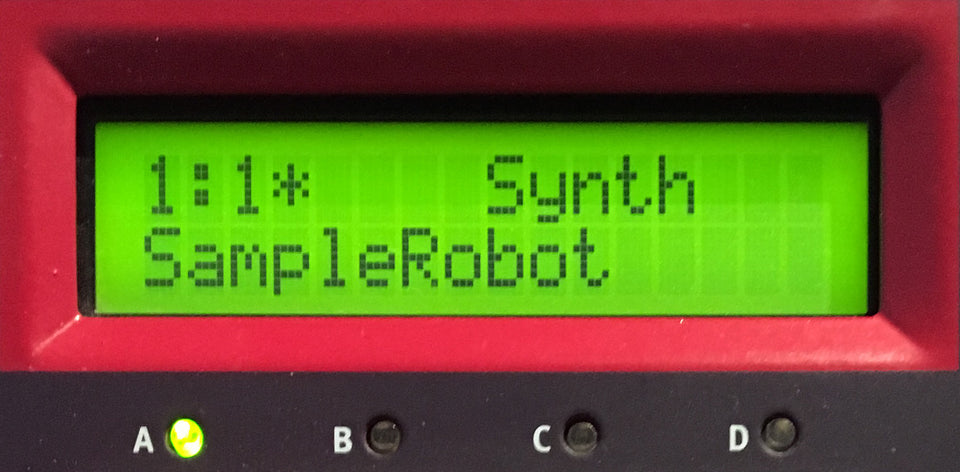
This is SampleRobot
SampleRobot is your personal sample library creator. It is designed for musicians and sound designers. The auto-sampling process easily turns your instruments into high quality multisample sets that can be used with your studio's hardware and software samplers. Create your own pro libraries in a jiffy.

Audience
Almost everybody needs samples in modern music productions. Using preproduced sample content is simple but also limits your sonic adventures. Are you a composer, sound designer, remixer or beat maker? Now you can instantly create your own professional samples and loops to express your own style.

Products
We offer 3 different flavors of SampleRobot to suit your needs. Pro has everything you desire from a sophisticated auto-sampling application. Multi-X gives you the multi-export of SampleRobot Pro and many professional features at a reasonable price. Korg+Wave is your entry ticket to the world of automatic sampling.
Loop Functions and Semi-automatic recording
AWARDS


SampleRobot 6 receives "Beat Recommendation" distinction by German Beat magazine issue 2019/06.
Author: Marco Scherer
Translated quotes:
"SampleRobot was, is and will remain the number one when it comes to auto-sampling and looping."
"No other program finds better loop points and supports so many export formats."
"For Mac users this is a must-have update."
"As a new feature the long-awaited sampling of virtual instruments is now possible within SampleRobot."
"This (advanced normalizing) is extremely important for multisamples. We have not seen this feature anywhere else."
"So some DAWs and plugins offer the option to automatically record and loop multisamples but the quality and speed of SampleRobot is unbeaten to date."
Rating: 6 out of 6.


In the issue cm231 (July 2016) of Computer Music SampleRobot 5 Pro is bestowed the Computer Music Performance Award.
Author: Owen Palmer
"Sit back and let this powerful app clone your hardware or software instruments."
"We're blown away by the range of sampler formats that SampleRobot can export to."
"We can safely say that SampleRobot does everything it's supposed to do, and does it well."
"It has the potential to make your life much easier."
"Rating: 9 out of 10"

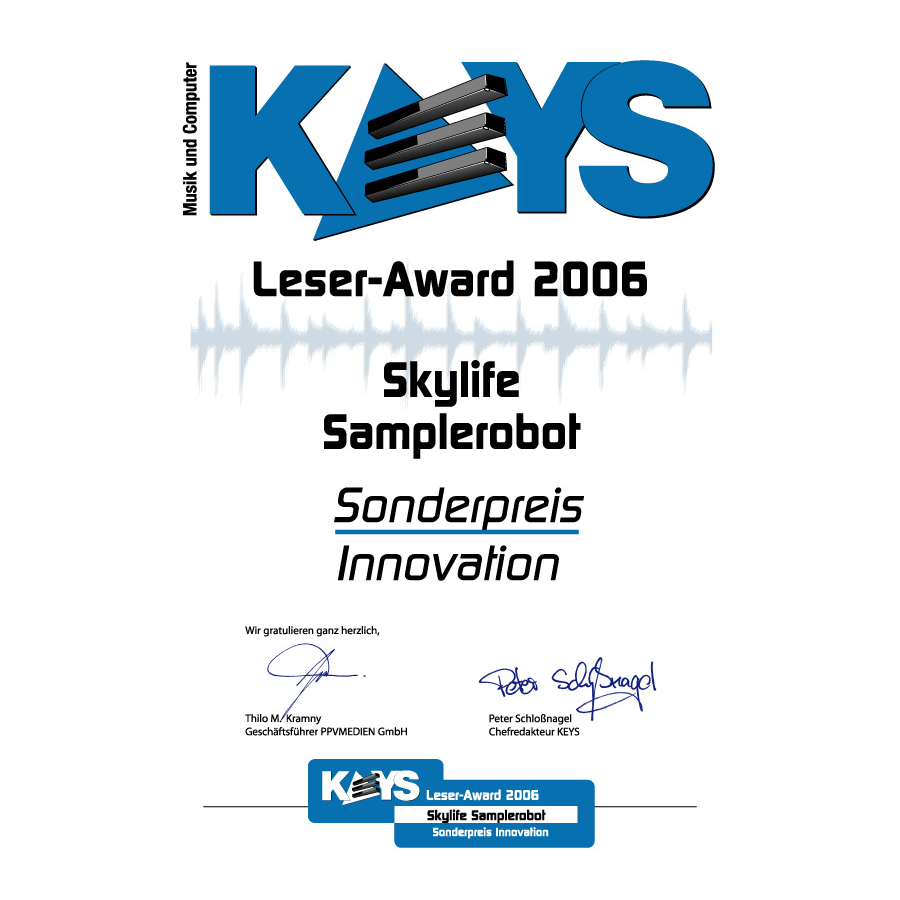
SampleRobot wins the Special Innovation Award from German KEYS magazine.
SampleRobot wins the Innovation Award 2006 of German KEYS magazine. Thanks a thousand to all readers of KEYS awarding this important prize to us and supporting us with their engagement. In the category Innovation SampleRobot could prevail over other well-known products like Korg Oasys, Native Instruments Guitar Rig 2, Access Virus TI and DigitalMusicianNet.
SampleRobot Users